
Master Your App UI UX Design Journey
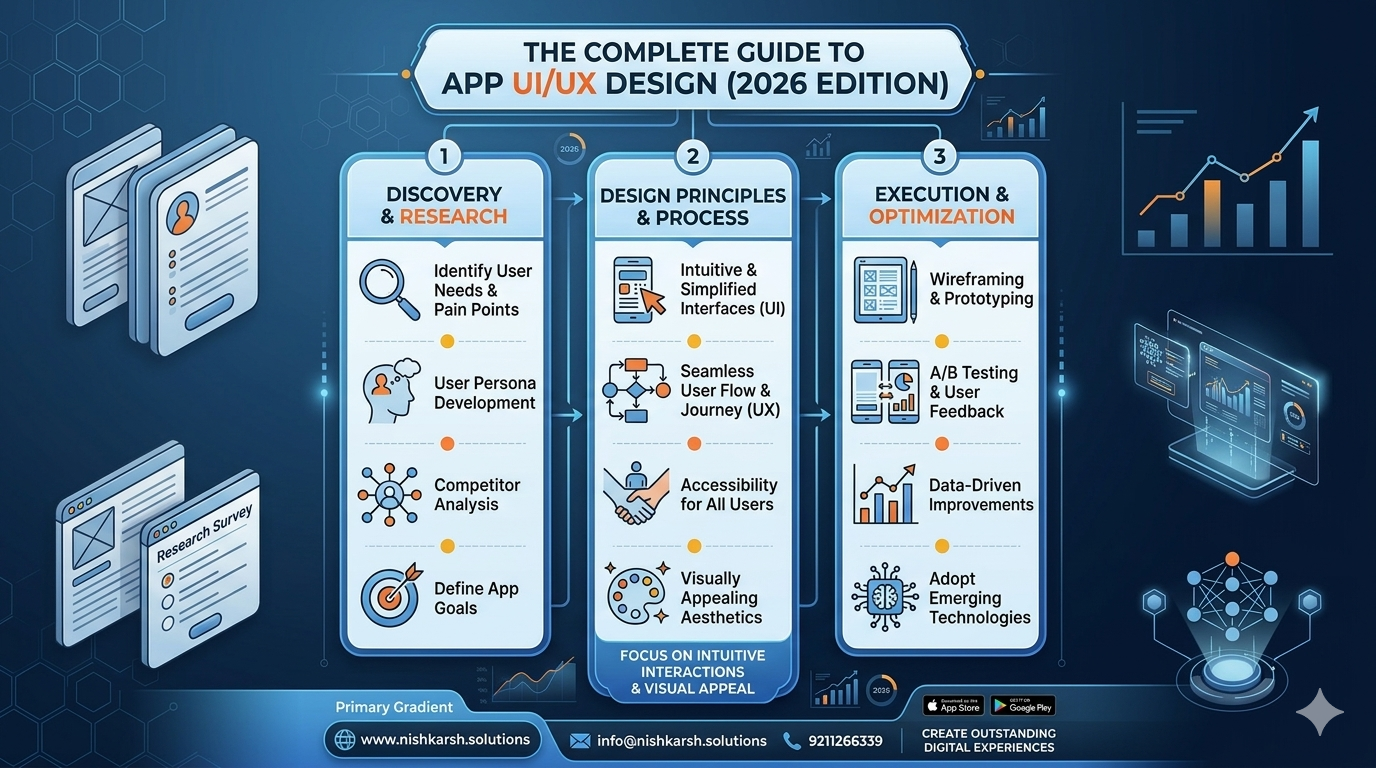
The Complete Guide to App UI/UX Design
In the rapidly evolving tech landscape of 2026, the user interface (UI) and user experience (UX) of an app have become more critical than ever. As users demand seamless, intuitive, and visually appealing interactions, app developers are under immense pressure to create designs that not only meet but exceed expectations. This comprehensive guide delves into the intricacies of app UI/UX design, offering insights, trends, and best practices to help you create outstanding digital experiences.
Introduction to UI/UX Design
UI design focuses on the visual elements and layout of an app, ensuring that it is aesthetically pleasing and easy to navigate. UX design, on the other hand, concentrates on the overall experience a user has while interacting with the app, from the moment they discover it to the moment they leave. Together, they form the backbone of a successful app.
In 2026, the integration of AI and machine learning has further enhanced the capabilities of UI/UX design. Adaptive interfaces that learn from user behavior and provide personalized experiences are becoming the norm. This guide will explore these advancements and more.
Understanding User-Centered Design
User-centered design (UCD) is the cornerstone of modern UI/UX design. It emphasizes understanding the user's needs, preferences, and behaviors to create designs that are intuitive and effective. In 2026, UCD is augmented by AI-driven analytics that provide deep insights into user behavior, allowing designers to make data-informed decisions.
For instance, apps like HealthMate use AI to analyze user health data and provide personalized fitness and nutrition recommendations. This level of personalization is made possible by UCD principles and AI integration.
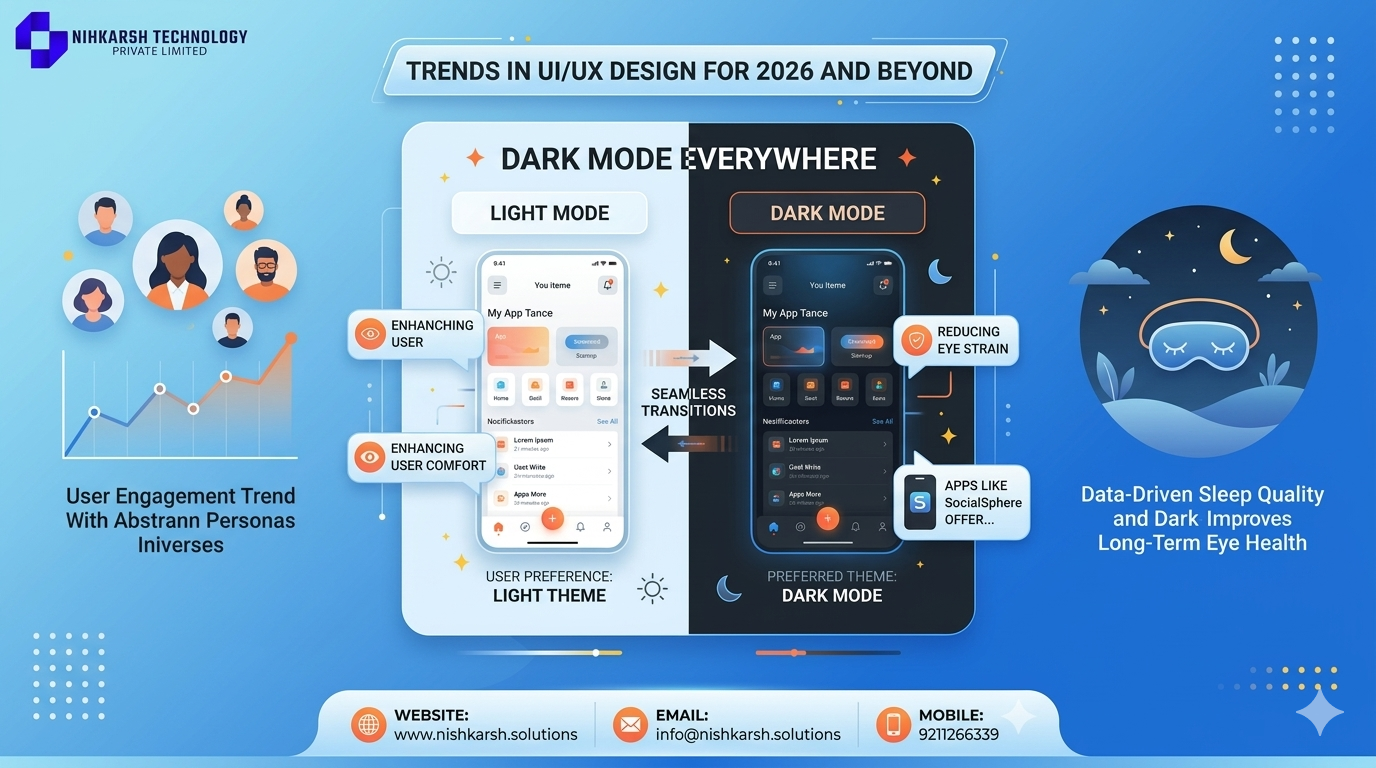
Trends in UI/UX Design for 2026 and Beyond
2026 brings several exciting trends that are reshaping the UI/UX landscape:
- Dark Mode Everywhere: Dark mode has become a staple, not just for nighttime use, but as a preferred theme for many users. Apps like SocialSphere offer seamless transitions between light and dark modes, enhancing user comfort and reducing eye strain.
- Voice and Gesture Controls: With advancements in voice recognition and gesture technology, apps are becoming more interactive. Users can now control apps with voice commands and gestures, making interactions more natural and intuitive.
- Augmented Reality (AR): AR is being integrated into apps to create immersive experiences. For example, ARHome allows users to visualize how furniture will look in their space before making a purchase.
- Neumorphism: This design trend combines elements of skeuomorphism and flat design, creating a soft, three-dimensional effect. Apps like NeuBank use neumorphism to create a modern, yet tactile feel.
Designing for Accessibility
Accessibility is no longer a nice-to-have feature; it's a legal and ethical requirement. In 2026, apps must comply with the latest accessibility standards, ensuring that users with disabilities can interact with the app effortlessly.
Key considerations include:
- Color Contrast: Ensuring sufficient color contrast to make text readable for users with visual impairments.
- Screen Reader Compatibility: Making sure the app can be navigated using screen readers.
- Keyboard Navigation: Allowing users to navigate the app using only a keyboard.
Apps like AccessEase are setting the standard for accessibility, providing a seamless experience for users with various disabilities.
Wireframing and Prototyping
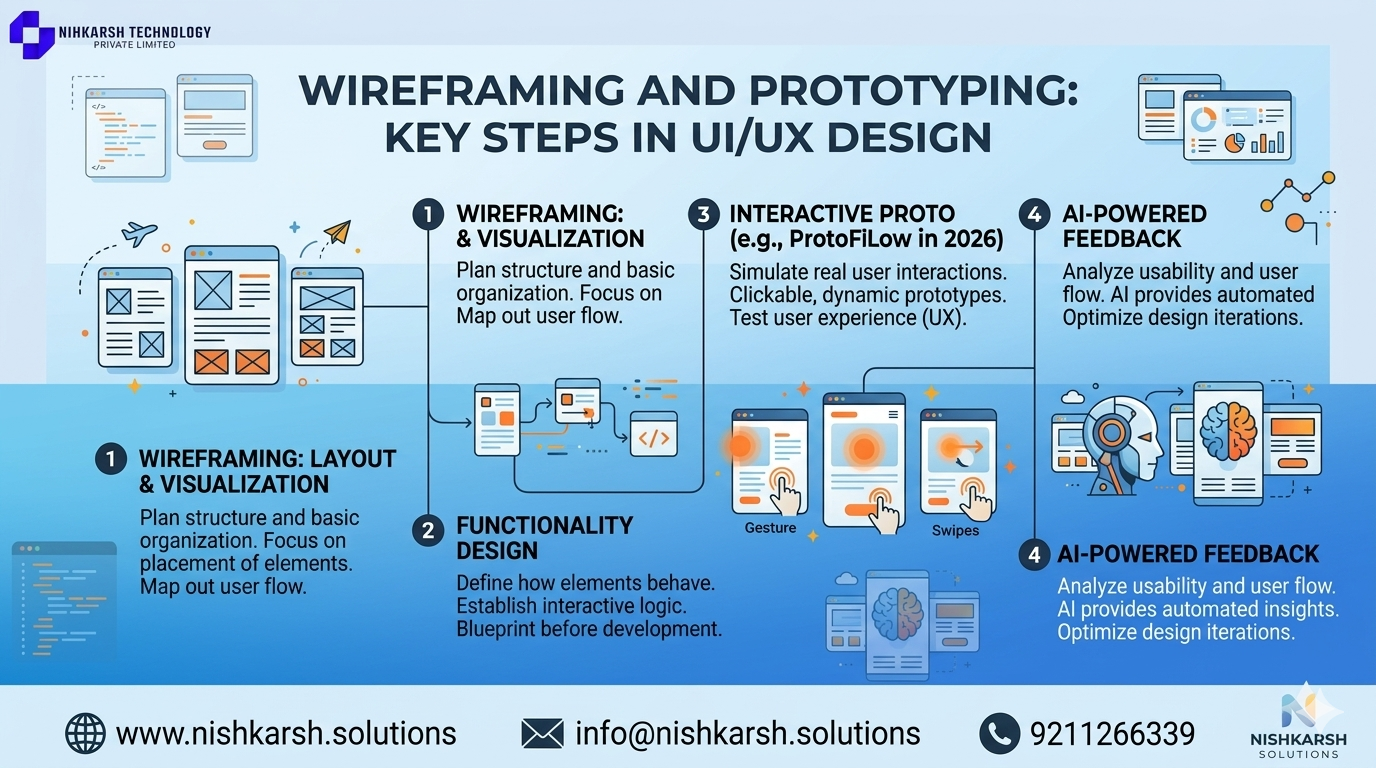
Wireframing and prototyping are essential steps in the UI/UX design process. They help in visualizing the layout and functionality of the app before actual development begins.
In 2026, tools like ProtoFlow offer advanced prototyping capabilities, allowing designers to create interactive prototypes that simulate real user interactions. These tools integrate with AI to provide feedback on usability and user flow.
Responsive Design
With the proliferation of devices, responsive design is more important than ever. Apps must adapt seamlessly to various screen sizes, orientations, and platforms.
Using frameworks like FlexGrid, designers can create layouts that automatically adjust to different devices. This ensures a consistent and enjoyable user experience across all platforms.
Visual Design Principles
Visual design principles are the backbone of UI design. They ensure that the app is not only functional but also visually appealing.
- Consistency: Maintaining a consistent style and layout across the app.
- Hierarchy: Organizing elements in a way that guides the user's attention to the most important information.
- White Space: Using empty space to improve readability and reduce clutter.
- Color Theory: Using color effectively to convey emotions and enhance usability.
- Typography: Choosing the right fonts and sizes to ensure readability and brand consistency.
Apps like StyleSync use these principles to create visually stunning and highly functional interfaces.
User Testing and Feedback
User testing is a crucial step in the UI/UX design process. It involves gathering feedback from real users to identify areas for improvement.
In 2026, user testing is enhanced by AI-driven analytics that provide detailed insights into user behavior and preferences. Tools like TestMate allow designers to conduct remote user testing and gather valuable feedback.
Performance Optimization
Performance is a critical aspect of UI/UX design. A slow app can frustrate users and lead to high bounce rates.
Key considerations include:
- Load Times: Ensuring that the app loads quickly on all devices.
- Responsiveness: Making sure the app responds instantly to user inputs.
- Resource Management: Efficiently managing system resources to ensure smooth performance.
Apps like SpeedBoost use advanced algorithms to optimize performance, ensuring a seamless user experience.
Conclusion
App UI/UX design in 2026 is a dynamic and evolving field, driven by technological advancements and a user-centric approach. By understanding user needs, staying updated with the latest trends, and adhering to design principles, you can create apps that not only meet but exceed user expectations.
As we move forward, the integration of AI, AR, and other emerging technologies will continue to shape the future of UI/UX design. Staying ahead of these trends and continuously refining your skills will be key to success in this ever-changing landscape.
Embrace the challenges and opportunities that come with UI/UX design, and you'll be well on your way to creating outstanding digital experiences.